
.png?width=50)
Summarize in
If you manage multiple properties, you need a guidebook for each one. But that doesn't mean you need to create every guidebook from scratch.
The more properties you add, the more likely you are to have information that stays the same across them. House rules, local recommendations, general guest information and branding can often be reused, while property-specific details such as access instructions, Wi-Fi and parking can remain unique.
Touch Stay is designed to help you do both.
In this article, we'll cover:
- How Touch Stay counts properties
- What content you can share between guidebooks
- A five-minute way to work out what can be reused
- How to build twelve guidebooks without doing the work twelve times
One property, one guidebook
Touch Stay counts each rentable unit as one property, whether or not it sits under the same roof.
Two apartments in one building are two properties. Ten cottages on a single site are ten properties.
That means if you manage twelve rentable properties, you should expect to have twelve guidebooks.
The important part is that twelve guidebooks doesn't have to mean twelve completely separate builds.
You can give each property its own guest-facing guidebook while reusing the information that is genuinely the same across your portfolio.
You can check your property count on the Touch Stay pricing page before choosing a plan.
What can you share between guidebooks?
Having a separate guidebook for each property doesn't mean writing the same information repeatedly.
For example, imagine you manage six similar cabins on the same site. Each cabin needs its own guidebook, but they might all use the same:
- House rules
- Local recommendations
- Check-in process
- General guest information
- Branding
- Standard policies
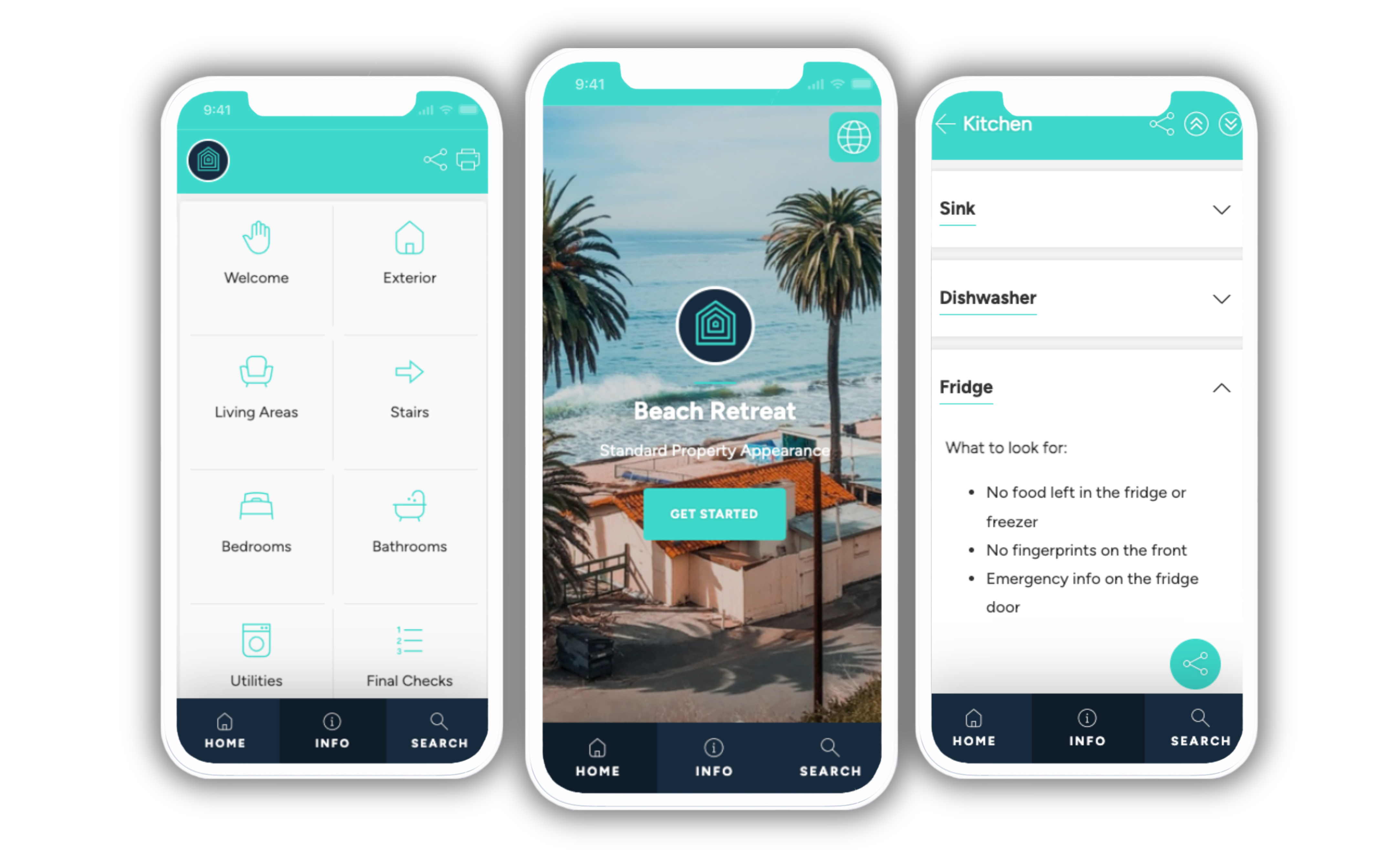
Touch Stay's Account library lets you create content once and reuse it across multiple guidebooks. Shared content stays linked, so when you update it, the change can flow to every guidebook using it. You can also use tags to distribute groups of content to multiple guidebooks.
The useful question isn't:
Can these properties use one guidebook?
It's:
Which parts of these guidebooks are genuinely the same?
Run through the list:
- House rules. Are they the same across the properties?
- Local recommendations. Do guests have access to the same restaurants, beaches, shops and attractions?
- Guest information. Is the contact process, check-out information and other general guidance the same?
- Branding. Do the properties use the same brand identity?
- Operational information. Can the same instructions be reused across properties?
The more of these you can answer "yes" to, the more content you can create once and reuse.
Anything that differs can stay specific to the individual guidebook.
Keep property-specific information where it belongs
Some information needs to be different for every property.
Access is an obvious example.
If one property has a lockbox and another has a smart lock, each guidebook needs to give guests the correct instructions. You don't want a shared page telling guests to look for a key safe when their property uses a smart lock.
The same applies to:
- Wi-Fi details
- Parking arrangements
- Appliance instructions
- Bin and recycling information
- Property-specific house rules
- Directions and access information
- Anything else that only applies to one property
The principle is simple:
Give each property its own guidebook. Share the content where the information genuinely is the same. Keep property-specific information specific.
That gives guests a guidebook that feels tailored to where they're staying without making you maintain every piece of content separately.
Guidebooks and team access are separate considerations
If you're managing a growing portfolio, there are two different questions to consider:
- How many properties do I manage?
- Who needs access to create and manage the guidebooks?
Your property count determines how many guidebooks you need. Your team setup determines who needs access to manage them.
Work out those two things independently, then check the current plan details for the access and collaboration features that apply to your account.
A five-minute way to identify what you can reuse
Open a spreadsheet and create one row for each property.
Use these columns:
- Property name, as it appears in your PMS
- Access method, in three words or fewer
- Shared content group, such as "beach cottages" or "town centre"
- Property-specific content, with a short note on anything that cannot be shared
Now look for patterns.
If several properties have the same house rules, local recommendations and general guest information, mark those topics as shared.
If one property has a different access process, parking arrangement or set of local recommendations, mark those topics as property-specific.
You should end up with two useful views of your portfolio:
- How many guidebooks you need
- How much of the content can be reused between them
The first tells you the scale of your setup. The second tells you how much work you actually need to do.
How to build twelve guidebooks without doing the work twelve times
The common mistake with a growing portfolio is assuming that twelve guidebooks means twelve complete sets of content.
It doesn't.
Touch Stay's current Hub gives you several ways to reduce the repetitive work.
The Account library is a central content store where you can create content once and reuse it across multiple guidebooks. Shared topics remain linked, so an update can flow across the guidebooks using that content.
You can also set Guidebook defaults for standard information such as contact details, check-in and check-out times, branding, languages and other settings. New guidebooks inherit those defaults, while individual guidebooks can override them when they need something different.
And if you're adding a property that's similar to one you've already built, you can clone an existing guidebook. Guidebook-specific content is copied, while shared content from the Account library stays linked.
A practical order is:
- Build one guidebook properly. Treat it as your reference.
- Set your Guidebook defaults. Put your standard property information, branding and settings in place once.
- Move genuinely reusable content into the Account library. House rules, standard guest information and other content that applies across properties can be shared.
- Clone the guidebook when a new property is similar. This gives you a head start without rebuilding the structure from scratch.
- Add the property-specific details. Access, Wi-Fi, appliances, parking and anything else that genuinely differs stays specific to that guidebook.
The result is twelve guidebooks without twelve completely separate builds. You do the work once where the information is common, then customise only what actually changes.
Before you commit to a plan
If you're managing multiple properties, start with three things:
- Your property count, based on the number of properties or rentable units you actually manage
- Your shared content, so you know what can be created once and reused
- Your team, so you know who needs access to manage the guidebooks
Then use the Touch Stay pricing calculator to enter your property count and see the current pricing for your needs.
The important thing isn't finding a way to squeeze multiple properties into fewer guidebooks.
Give each property the guidebook it needs. Then use shared content, defaults and cloning to make managing your portfolio as efficient as possible.