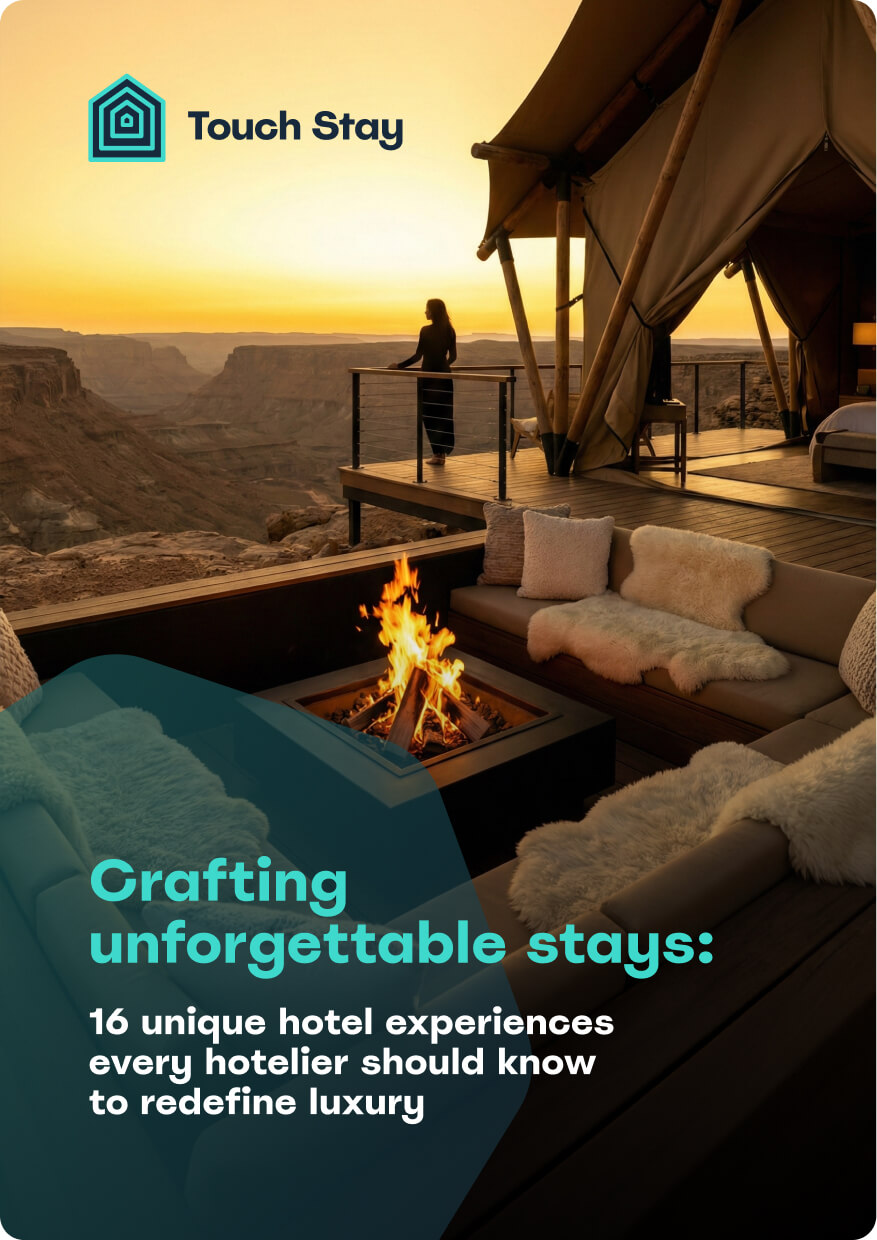
Create moments, not just stays.
Unlock a curated collection of unique hospitality concepts from rooftop cinemas to handwritten notes. Discover how to craft memories that earn 5-star reviews.
Touch Stay & Uplisting
Give guests clear, branded instructions while you enjoy fewer questions and less manual data entry.
Connect Touch Stay with Uplisting to automatically turn your listings and bookings into beautifully personalised digital guidebooks, shared with guests at exactly the right time.

.png?width=50)
Plug and play
.png?width=50)
Inventory Auto-Match

Reservation Sync
Communication Made Simple
Share Touch Stay guides using Uplisting messaging tools so guests always have the right information without manual copying.
-
✓
Instantly send personalised guide links in Uplisting messages and pre-arrival automations.
-
✓
Deliver the right guide to every guest at the right time through seamless integration.
-
✓
Sync reservations to populate guest names, dates, and contact info without manual entry.

Easy Optimisation
Spend less time on admin and more time delighting guests by letting Touch Stay work alongside Uplisting.
-
✓
Connect your accounts in a few clicks using your Uplisting API key from Settings > Connect > API.
-
✓
Import Uplisting listings, auto-match to guides, and sync reservation details like names, dates, and addresses.
-
✓
Map optional fields like lock codes or booking notes to customise guides further.
.png?width=50)
What Guests Need
Deliver the right information at the right time automatically, with personalised guides using Uplisting booking data.
-
✓
Guides personalise with guest name, arrival/departure dates, and contact details from Uplisting.
-
✓
Up-to-date check-in/out instructions reduce questions; guests self-serve from synced data.
-
✓
Sync all future reservations or new ones only, generating unique guide links for Uplisting automations.
